
Social media can easily consume your day if left unchecked. Time-blocking is a simple way to manage your usage by allocating specific time slots for activities like posting, browsing, and responding. For example, you might schedule 30 minutes in the morning and 20 minutes in the evening for social media, ensuring your time online is intentional and not impulsive.
Here’s why it works:
- It prevents constant interruptions by creating fixed boundaries between work and social media.
- You gain clarity on how much time you actually spend online, helping you stay productive.
- It’s especially useful in fast-paced environments like the UAE, where balancing work and social life is crucial.
How to Time-Block Your Social Media | #GetSocialSmart Show Episode 249
Core Principles of Time-Blocking for Social Media
Time-blocking for social media is all about turning aimless scrolling into purposeful and structured activity. This approach fits seamlessly into the UAE’s productivity-driven culture, where intentional action and efficiency are priorities. By following these three principles, you can build a disciplined and effective social media routine.
Divide Your Day into Digital Task Blocks
The first step is to assign specific time slots for different social media activities like posting, browsing, and responding. Think of it as breaking your day into manageable chunks, much like UAE professionals already do with meetings, emails, and focused work sessions.
Instead of a vague "social media time", create detailed blocks such as:
- Responding to comments or messages
- Sharing updates or posts
- Browsing for industry news or trends
This detailed approach helps your mind prepare for the task at hand, making your time on social media more productive. For instance, the SureSpace Community App aligns with this principle by encouraging meaningful and purposeful interactions, reducing the urge to mindlessly scroll.
Reduce Task Switching
Switching between tasks – like jumping from emails to social media notifications and back – can drain your mental energy. Each shift requires your brain to refocus, which eats into productivity.
To combat this, group similar social media tasks into the same block. For example, if you’re responding to comments, handle all platforms during that session. Similarly, batch-create content by writing posts, editing visuals, and scheduling updates in one go.
This strategy is especially useful in the UAE’s diverse business environment, where professionals often juggle communications across time zones and cultural contexts. By minimising task switching, you can save your mental energy for more complex tasks, such as cross-cultural communications.
The SureSpace app supports this idea with its "engage, reflect, create, and connect" framework, which encourages users to complete one cycle of interaction at a time rather than jumping between fragmented activities.
Set Realistic Block Durations
The length of your time blocks is crucial. Blocks that are too short (under 15 minutes) might not give you enough time for meaningful engagement, while overly long blocks (more than 90 minutes) can lead to distraction and mindless scrolling.
Aim for blocks between 20 to 60 minutes, depending on your goals and the activity. For example, longer blocks might work best for creating content in the morning when your energy is higher, while shorter blocks might suit lighter tasks like engagement in the afternoon or evening.
Start with shorter blocks and gradually adjust as you develop a routine. By optimising block durations, you’ll not only improve your productivity but also promote healthier and more intentional digital habits.
Step-by-Step Guide to Implementing Time-Blocking for Social Media
Now that you’re familiar with the basics, it’s time to put them into action. This guide will help turn your scattered social media habits into a structured routine that fits neatly into your daily schedule.
Audit Your Current Social Media Habits
Before improving how you manage your time on social media, you need to understand how you’re currently spending it. This self-assessment is key to creating realistic and effective time blocks.
For one week, track every instance of social media use. Note what you’re doing (e.g., replying to comments, posting updates, scrolling through trends) and how long you spend on each activity. This will give you a clear picture of your actual usage, which might differ from what you think it is.
Pay attention to when you feel most productive online. Some people thrive in the morning, using their fresh energy to engage with communities, while others prefer evenings for creative tasks like crafting posts. Recognising these natural patterns will help you schedule your time blocks more effectively.
Also, take note of any triggers that lead to excessive scrolling. Do you grab your phone during work breaks or when you’re stressed? Identifying these habits will help you plan alternative, intentional actions. Once you’ve gathered this information, you’re ready to prioritise and schedule your tasks.
Prioritise Tasks and Allocate Time Blocks
Use the insights from your audit to organise your social media tasks by urgency and importance. This step is all about transforming aimless social media use into intentional, scheduled activities.
High-priority tasks might include responding to customer inquiries, sharing key updates, or building professional connections. Lower-priority activities could involve casual browsing or checking trending topics. Align these priorities with your personal and professional goals.
Schedule your key tasks during your peak energy times, considering the UAE’s typical Sunday–Thursday workweek. For example, if you’re most creative in the morning, block out 09:00–09:45 for content creation. If evenings are better for engagement, reserve 19:30–20:15 for interacting with platforms like the SureSpace Community App, where meaningful conversations thrive.
Be specific with your time slots, such as “08:30–09:00: Respond to comments and messages.” This clarity helps your mind prepare for the task ahead. Start with shorter blocks – like 20 minutes for engagement – to make the process manageable, and gradually extend them as you build the habit.
Add Micro-Sessions and Breaks
Not all social media tasks require the same amount of time or focus. By combining short micro-sessions with longer, focused blocks, you can balance your energy and productivity throughout the day.
Plan 5–10 minute sessions during natural breaks in your day, such as at 11:00, to quickly respond to comments or check notifications. These quick tasks are perfect for short bursts of activity.
For more in-depth work, schedule 30–60 minute blocks. Use this time for creating content, participating in meaningful discussions, or conducting research. Longer sessions allow you to dive deeper into tasks and produce higher-quality results. The SureSpace Community App, with its focus on authentic interactions, is an excellent platform for these extended sessions.
Don’t forget to include short breaks within longer blocks to avoid burnout. For example, if you’re working on a 60-minute content creation session, take a 2–3 minute break halfway through to rest your eyes and refocus. Adding a 5-minute buffer between blocks can also help you transition smoothly between tasks, especially in the UAE’s fast-paced environment where you might be switching between different languages or cultural contexts.
Finally, consider planning small transition activities between blocks to shift your mindset. After a focused social media session, spend a couple of minutes reviewing your next task or taking a few deep breaths. These simple actions can make a big difference in maintaining your productivity and digital well-being.
sbb-itb-a45ffa4
Tools and Techniques for Better Time-Blocking
Using the right tools and methods can turn time-blocking into a highly effective productivity system. These strategies help you stay on track, minimise distractions, and make the most of your designated social media time.
Time-Batching and Time-Boxing
Time-batching is all about grouping similar tasks together to maintain focus and avoid the inefficiency of switching between different activities. For example, instead of replying to comments throughout the day, set aside a specific 30-minute block at 14:00 to handle all responses. This way, you’re focused on one type of task at a time.
You can also create themed batches based on your goals. For instance:
- Tuesday mornings (09:00–10:00) for creating content
- Wednesday afternoons (15:30–16:15) for engaging with your online community
- Friday evenings (19:00–19:45) for networking
This approach ensures you approach each task with the right mindset and energy.
Time-boxing, on the other hand, involves setting strict time limits for each activity. If you allocate 25 minutes to browse your feed, stop as soon as the time is up – no exceptions. This helps avoid the slippery slope of "just five more minutes", which can easily turn into an hour.
Use a timer to stick to your schedule. When the timer goes off, move on to the next task. Over time, this practice builds discipline and helps you achieve more in less time.
Digital and Physical Planners
Once you’ve set time limits, organising your schedule with reliable planning tools is key. Digital calendars like Google Calendar or Apple Calendar are great for syncing across devices and sending reminders. You can schedule recurring blocks like "Community Engagement" every Tuesday and Thursday from 20:00–20:30 to ensure consistency.
In the UAE, many people prefer bilingual planners that support both English and Arabic, use the DD/MM/YYYY date format, and account for the Sunday–Thursday workweek.
For a more tactile approach, physical planners can provide a distraction-free way to visualise your schedule. Use colour coding to make your plan easier to follow – blue for content creation, green for engagement, and red for urgent tasks. This makes it simple to see your weekly activities at a glance.
A hybrid approach can also work well. Use a digital calendar for scheduling and reminders, but keep a physical notebook handy during your social media blocks. This way, you can jot down ideas, track your mood, or note which activities felt most effective.
Features in SureSpace Community App
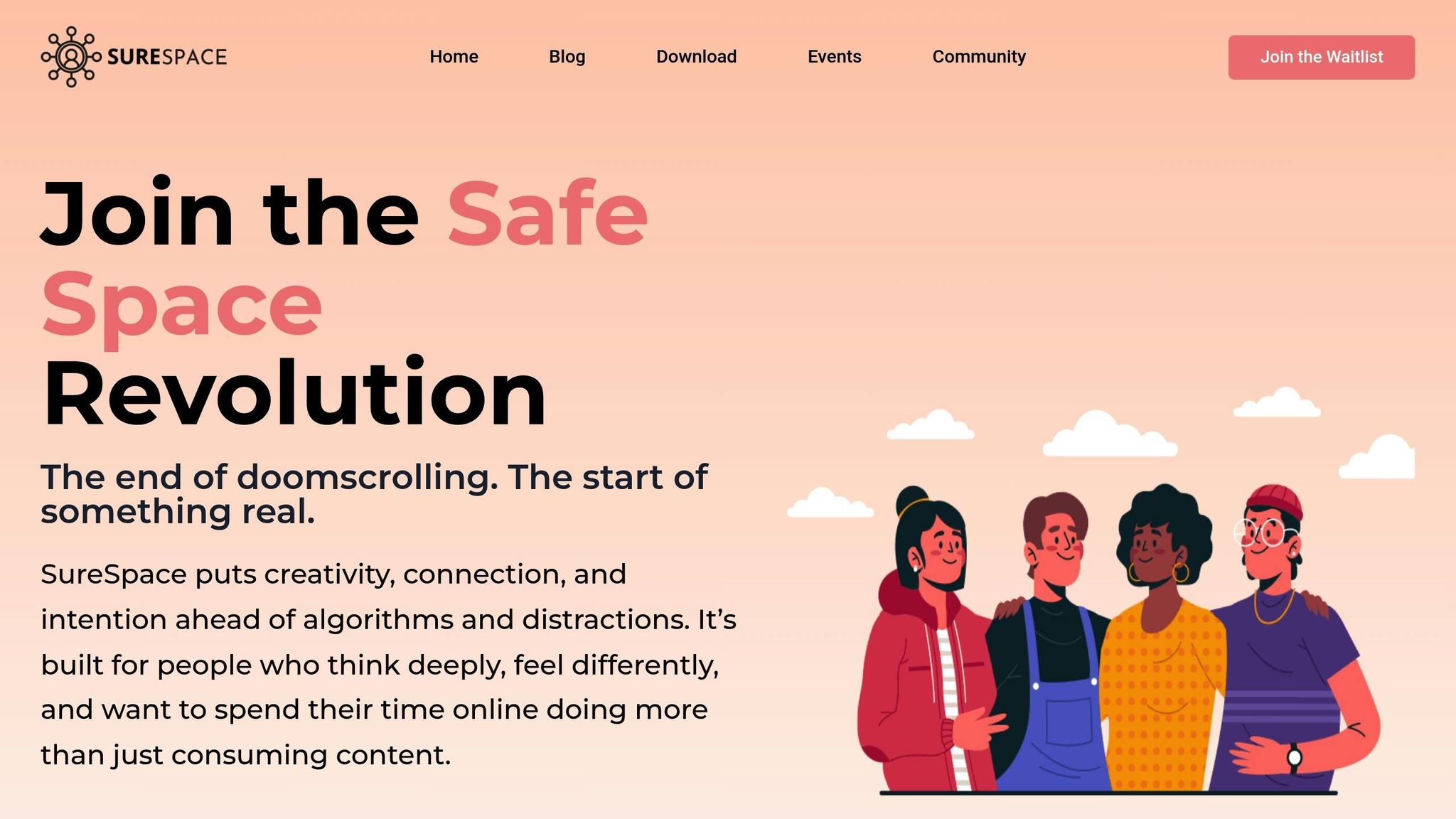
The SureSpace Community App offers tools designed to support focused engagement. Its notification controls let you manage when and how you receive updates, helping you avoid constant interruptions. For example, you can configure notifications to arrive at 19:25 if your community engagement is scheduled from 19:30–20:15. Outside of these blocks, silence non-urgent alerts to stay focused on other tasks.
The app’s content management features allow you to prepare posts in advance during your content creation blocks. You can draft updates, organise images, and schedule posts to align with your time-blocking plan. This eliminates the stress of creating content on the spot and enables more thoughtful sharing.
Additionally, the app’s curated news feed ensures you see only relevant content during your browsing time. Instead of aimlessly scrolling, you can focus on updates that matter, making your social media sessions more productive and meaningful.
Reviewing and Maintaining Your Time-Blocking Practice
Once you’ve implemented time-blocking, it’s essential to keep an eye on how well it’s working. Regular reviews and tweaks ensure your schedule stays aligned with your goals and remains effective.
Track and Review Your Time Usage
Keep a log of how you actually spend your time on social media compared to what you planned. Record when you start and stop, and evaluate your productivity for the week.
Pay attention to any gaps between your planned and actual usage. For example, if you consistently need 45 minutes for a task you’ve allocated 30 minutes to, it’s time to adjust. Similarly, if you’re most active and engaged with content in the evening (say, 20:00 to 21:00) but have scheduled your blocks for the afternoon, it might be worth shifting your timing.
Also, note how your mood and energy levels vary during these sessions. Are you more focused in the morning or late at night? These insights can help you fine-tune your schedule for maximum productivity.
Adjust Blocks Based on Results
Your time-blocking plan isn’t set in stone – it should evolve based on how well it’s working for you. At the end of each workday, review any unfinished tasks or new priorities. Adjust your blocks to avoid small delays snowballing into bigger issues.
Flexibility is key. As Cal Newport puts it:
This type of planning is like a chess game, with blocks of work getting spread and sorted in such a way that projects big and small all seem to click into completion with (just enough) time to spare.
Think of your schedule as a guide to keep you focused, not as a rigid rulebook. Build in buffer time to handle unexpected tasks. For instance, you might keep an afternoon block on Thursday (15:00 to 16:00) free for spillover work or last-minute demands.
When new priorities pop up, evaluate their importance before reshuffling your schedule. Not every notification or request deserves your immediate attention. Protecting your planned blocks can help you maintain consistency and focus.
Focus on Digital Well-Being
Beyond fine-tuning your schedule, prioritising digital well-being is crucial for staying efficient. Take a moment each week to reflect on whether your social media usage feels intentional and aligns with your personal goals.
Watch for signs that your schedule might need tweaking – like feeling stressed when your social media block ends, struggling to focus on other tasks, or sneaking in extra screen time outside of your planned periods.
The SureSpace Community App can be a helpful tool here. Its focus on fostering meaningful interactions encourages you to make the most of your social media time. During your weekly reviews, ask yourself if your online activities are helping you build genuine connections or if they’re just eating up your time. The app’s curated approach can help you stay intentional, turning your blocked time into moments of real engagement rather than aimless scrolling.
Lastly, pay attention to your natural rhythms. If your energy levels or priorities shift, don’t hesitate to adjust your schedule. What works well in January might need a refresh by March as your responsibilities and interests evolve. Regular reviews ensure your time-blocking stays relevant and effective.
Conclusion
Time-blocking can turn social media from a mindless distraction into a purposeful part of your day. By dividing your time into focused blocks, setting realistic limits, and regularly assessing your habits, you can shift from endless scrolling to meaningful online interactions.
Keep it flexible – think of your time blocks as a guide rather than a strict schedule. Adding buffer periods and reviewing your progress helps you stay adaptable and reduces unnecessary stress. The goal is to consistently evaluate what’s working, tweak what isn’t, and gradually refine your approach. Building balanced digital habits is a continuous process, one that lets you handle surprises while staying focused on what truly matters.
The SureSpace Community App aligns perfectly with this approach, encouraging you to engage in thoughtful conversations and meaningful connections during your allocated social media time. Instead of aimlessly browsing, you’ll find yourself using those moments to connect with intent.
Start small – try two 30-minute blocks tomorrow. Focus on progress, not perfection. Each step you take makes your social media use more intentional, sharpens your focus, and brings balance to your digital life. Over time, these refined habits will lead to lasting, positive changes.
FAQs
How can I review my social media habits to start using time-blocking effectively?
To get started with time-blocking for social media, begin by assessing your current habits. Write down all the platforms you use and track how much time you spend on each one, whether daily or weekly. Take note of when you’re most active and what you’re doing – are you scrolling aimlessly, posting content, or engaging with others?
Once you have this information, look for patterns or triggers that lead to overuse. Do you find yourself reaching for your phone during specific times of the day or in particular situations? Understanding these behaviours will help you set boundaries and allocate dedicated time blocks for social media. This way, you can focus on intentional interactions and cut down on distractions, making your online time more purposeful and productive.
For added support, you might explore tools like the SureSpace Community App. It’s designed to encourage creativity and meaningful connections while helping you stay focused and limit unnecessary interruptions.
How can I stick to my time-blocking schedule for social media use effectively?
To stick to your time-blocking schedule for social media, start by setting specific and manageable time limits, like 15–20 minutes per session. Use tools such as alarms or timers to nudge you when it’s time to wrap up. These small reminders can keep you on track without letting the clock slip away unnoticed.
Organise your social media tasks into dedicated time blocks. For instance, you could reserve certain days for creating posts and others for engaging with your audience. This approach not only keeps you focused but also helps cut down on unnecessary scrolling. Grouping similar tasks together can further streamline your workflow, making it easier to stick to your plan.
You might also explore platforms designed to encourage meaningful online interactions, like SureSpace. It’s built to support purposeful connections while helping you steer clear of digital distractions.
How can I figure out the best time block duration for managing my social media use effectively?
To figure out the best time block for managing social media, begin with shorter sessions – think 15 or 20 minutes. Pay attention to how focused and productive you feel during these intervals. From there, tweak the duration, either extending or shortening it, until you hit the sweet spot that matches your energy levels and fits smoothly into your daily routine.
You might also want to try scheduling these social media sessions at different times of the day. This way, you can identify when you’re naturally more engaged and productive. Adjusting your schedule to match these patterns can help you use social media more intentionally and maintain a healthier balance.

